
ELLIO Traefik Middleware Plugin
The ELLIO Traefik Middleware Plugin adds IP-based access control to services behind Traefik. It fetches your External Dynamic List (EDL) from the ELLIO platform and blocks or allows requests at the proxy, protecting your services against malicious scanners and mass exploitation attempts.
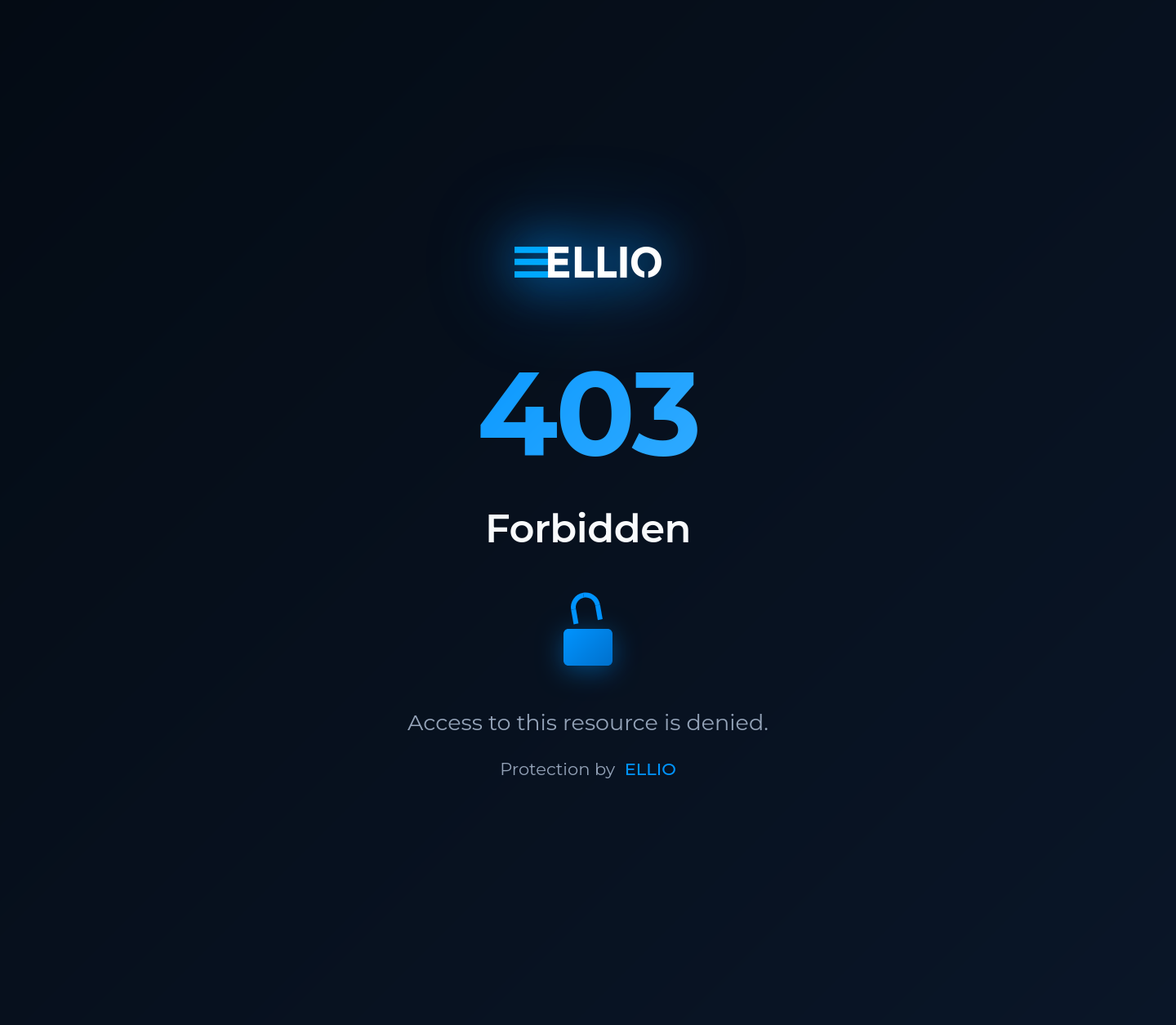
What the plugin gives you:
- Blocks malicious IPs automatically - the EDL updates without manual intervention
- One place for IP policy - manage rules for all your services from the ELLIO platform
- Blocklist or allowlist mode - block known bad IPs, or allow only trusted IPs
- Keeps working during outages - falls back to the cached list if the platform is unreachable
GitHub repository: ELLIO-Traefik-Middleware-Plugin
Prerequisites
Section titled “Prerequisites”- Traefik v3.0 or later
- Bootstrap token from your EDL configured for “Traefik Middleware”
Quick start
Section titled “Quick start”1. Add the plugin to Traefik
Section titled “1. Add the plugin to Traefik”Add the ELLIO plugin to your Traefik static configuration:
experimental: plugins: ellio: moduleName: github.com/ELLIO-Technology/ELLIO-Traefik-Middleware-Plugin version: v1.0.22. Configure the middleware
Section titled “2. Configure the middleware”Create a middleware instance in your dynamic configuration:
http: middlewares: ellio-edl: plugin: ellio: bootstrapToken: "YOUR_ELLIO_BOOTSTRAP_TOKEN" logLevel: "info" ipStrategy: "direct"3. Apply it to routes
Section titled “3. Apply it to routes”Apply the middleware to your services:
http: routers: my-service: rule: Host(`api.example.com`) middlewares: - ellio-edl service: my-backendDeployment scenarios
Section titled “Deployment scenarios”Choose the setup guide that matches your infrastructure:
- Simple Setup - standalone Traefik deployment
- Pangolin Integration - adding EDL protection to an existing Pangolin installation
- Cloudflare Setup - configuration for services behind Cloudflare
Configuration reference
Section titled “Configuration reference”Core parameters
Section titled “Core parameters”| Parameter | Type | Required | Default | Description |
|---|---|---|---|---|
bootstrapToken |
string | Yes | - | EDL bootstrap token from the ELLIO platform |
logLevel |
string | No | "info" |
Logging verbosity: trace, debug, info, warn, error |
machineId |
string | No | random UUID | Machine identifier. Override it when multiple Traefik instances share the same EDL. |
ipStrategy |
string | No | "direct" |
IP extraction strategy |
trustedHeader |
string | No | - | Custom header name (for the “custom” strategy) |
trustedProxies |
[]string | No | - | Trusted proxy IP ranges |
IP extraction strategies
Section titled “IP extraction strategies”direct- use the direct connection IP address (default)xff- extract from the X-Forwarded-For header (reverse proxies)real-ip- extract from the X-Real-IP headercustom- extract from a custom header specified intrustedHeader
How it works
Section titled “How it works”Using the bootstrap token, the plugin fetches your EDL configuration and adjusts the access control mode:
- Blocklist mode: All IPs in the EDL are blocked and receive 403 errors; other IPs are allowed.
- Allowlist mode: Only IPs in the EDL are allowed; all other IPs are blocked. Be careful when protecting services that require additional IPs like local IP ranges (for example, if protecting a Pangolin installation, you also need to allow site IP ranges).
EDL configuration (blocklist/allowlist mode) is refreshed approximately every 5 minutes. The EDL IP lists themselves are downloaded based on your EDL update frequency settings in the platform (from every 5 minutes to every 24 hours).
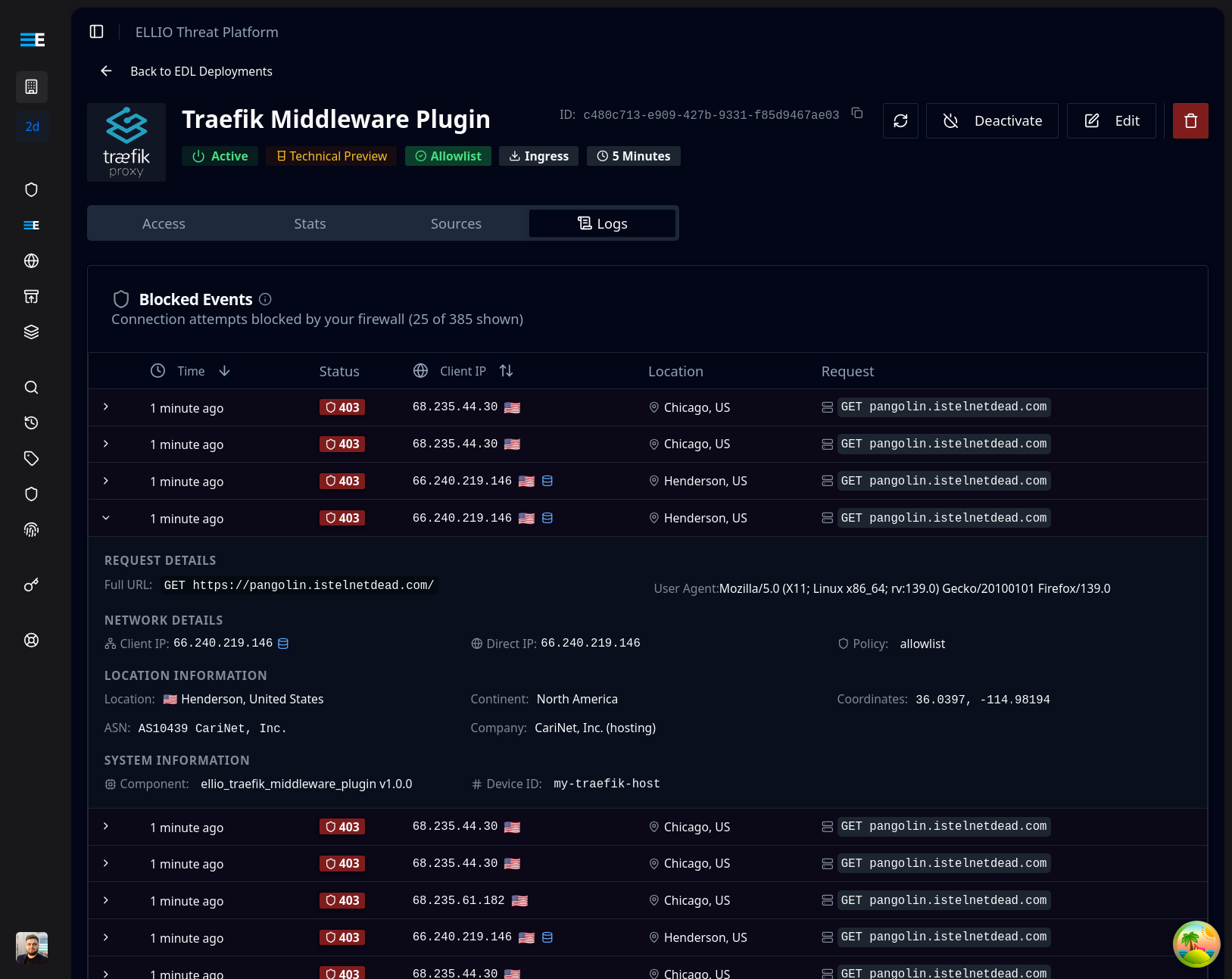
Blocked events are sent to the ELLIO platform for monitoring. If you have access to CTI, you can look up blocked IPs and search by User Agent and ASN.
Testing your setup
Section titled “Testing your setup”For blocklist mode (most common):
- Add a test IP to your IP ruleset in the ELLIO platform
- Wait for EDL regeneration (based on your update frequency)
- Test from the blocked IP - should receive 403 Forbidden
- Test from other IPs - should access normally
For allowlist mode:
- Add your current IP to the allowlist in the ELLIO platform
- Wait for EDL regeneration
- Test from the allowed IP - should work normally
- Test from a non-allowed IP - should be blocked
Monitoring in the ELLIO platform
Section titled “Monitoring in the ELLIO platform”When the plugin is working, blocked requests appear in the ELLIO platform:
Support
Section titled “Support”- Issues: GitHub Issues
- ELLIO Platform: platform.ellio.tech